
Cursive Font Generator – Free Online Cursive Fonts Generator Tool
Create beautiful handwritten styles with our free cursive fonts generator tool. Explore elegant script fonts and preview your text instantly.
How to Use the Cursive Font Generator Tool
Type your text, pick a cursive font and see it live. These fonts work in apps like Word, Photoshop and Illustrator once installed on your device, or you can save your design as an image to use anywhere.
-
1
Enter Your Text
Type or paste your text into the input box to transform it into beautiful cursive fonts.
-
2
Pick a Cursive Font
Browse the available font cards and choose your favorite cursive style for your text.
-
3
Adjust Cursive Style
Fine-tune your text using the available filters, font size, colors, and alignment options.
-
4
Cursive Font Copy and Paste
Save the result as a PNG or SVG, or copy the CSS snippet to use the font on a website.
Cursive Font Generator or Cursive Text Generator?
Both tools turn plain text into cursive, but they work differently. Compare their features to find the right tool for your needs.
| Feature | Cursive Font Generator | Cursive Text Generator |
|---|---|---|
| What you get | An image or text rendered in a real cursive typeface. | Plain text made from Unicode script characters. |
| Social media bios | ✕ Images and font files cannot be pasted as styled text. | ✓ Copy and paste into Instagram, Discord, or X. |
| Design choices | ✓ Multiple typefaces, swashes, and brush styles. | A limited selection of Unicode styles. |
| Logos & invitations | ✓ Great for visual designs, print, and tattoo mock-ups. | Not ideal for professional visual design. |
| Screen readers | Add descriptive alt text to images. | ! Some Unicode styles may be read letter by letter. |
15 Best Cursive Fonts to Try
From elegant wedding scripts to bold brush lettering, explore 15 free Google Fonts for your next creative project. Find the perfect style for your designs.

Formal, flowing letters with graceful capitals.
Best for: Wedding invitations, certificates.
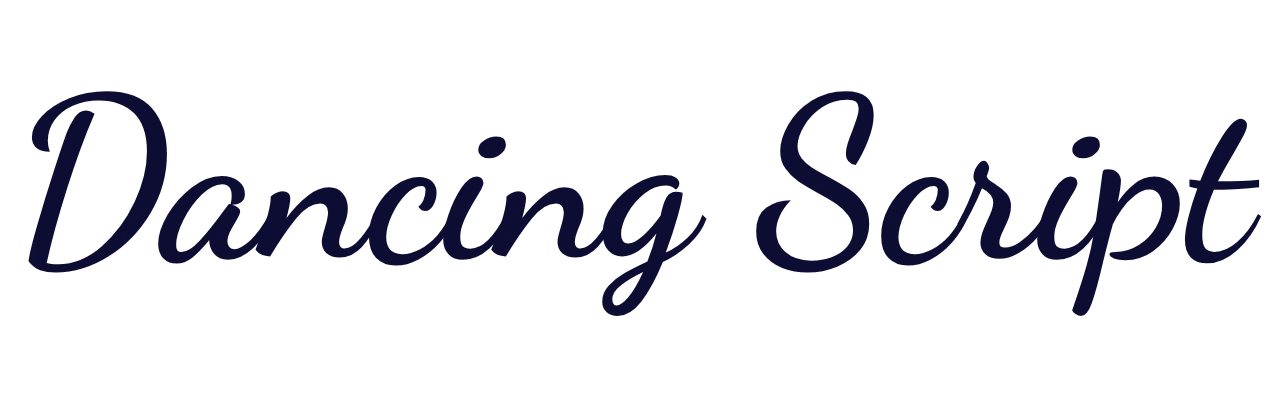
Friendly, bouncy lettering with a natural feel.
Best for: Blog headers, social posts, documents.
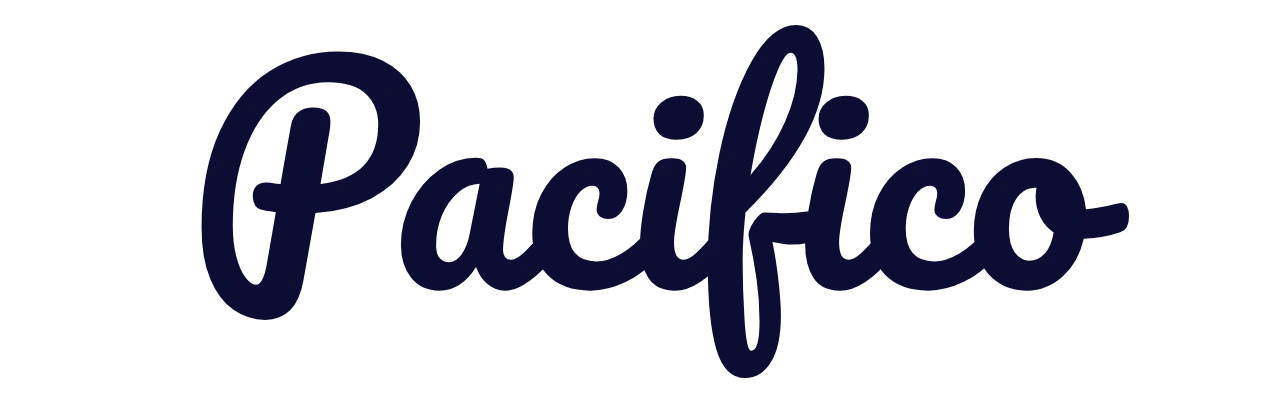
Rounded, bold lettering with a vintage vibe.
Best for: Logos, cafe branding, stickers.

Light, flowing script with refined strokes.
Best for: Name cards, stationery, monograms.
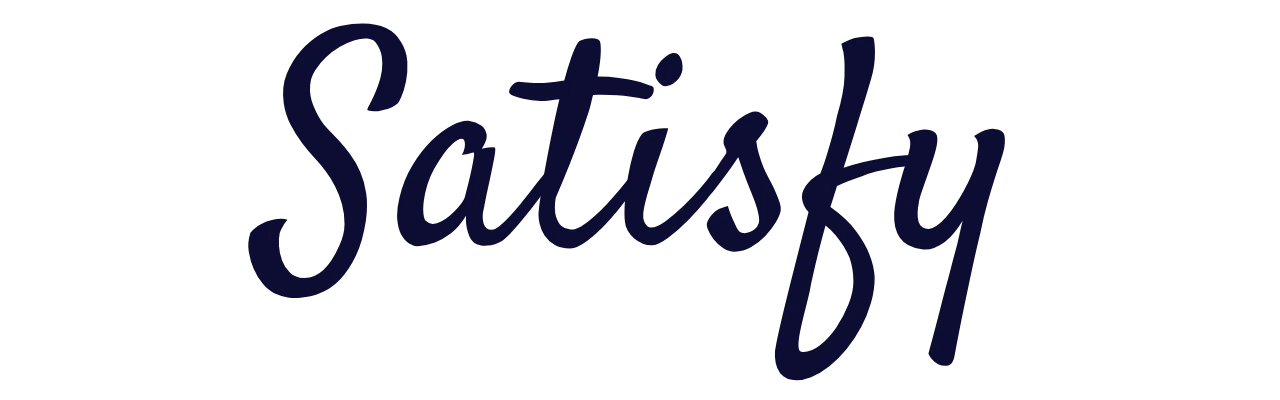
Loose brush lettering with an informal character.
Best for: Quotes, T-shirt designs.

Thin script with a clean, understated look.
Best for: Minimal logos, neon-sign designs.
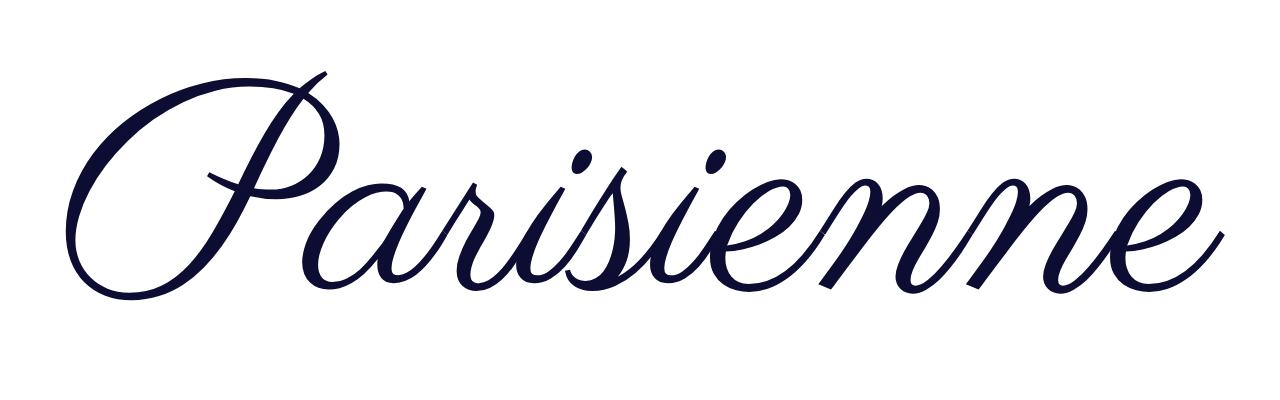
Slanted, stylish lettering with a classic finish.
Best for: Greeting cards, invitations.

Elegant brush-pen strokes and flowing curves.
Best for: Headings, signature-style designs.
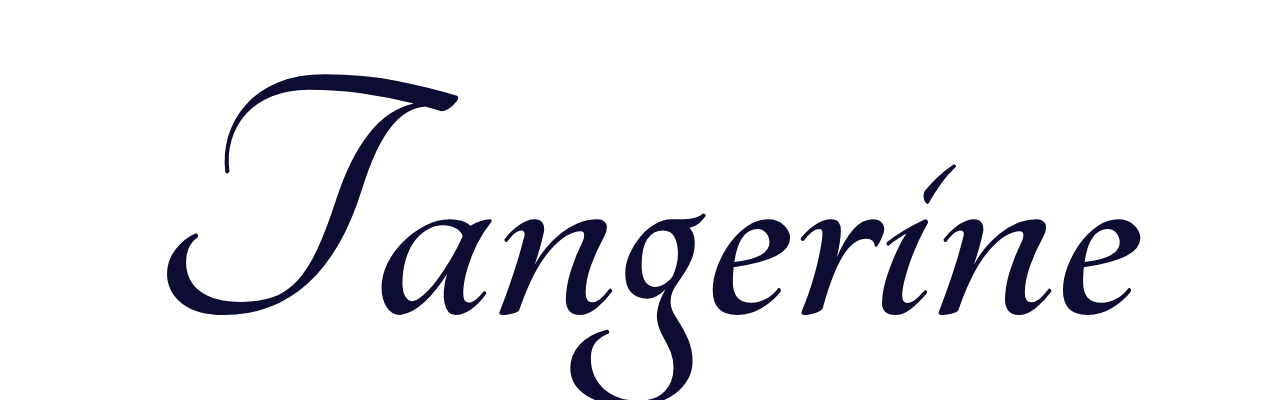
Narrow, delicate letters with a calligraphic style.
Best for: Titles, short quotes.

Bold retro lettering inspired by sign painting.
Best for: Vintage labels, branding.
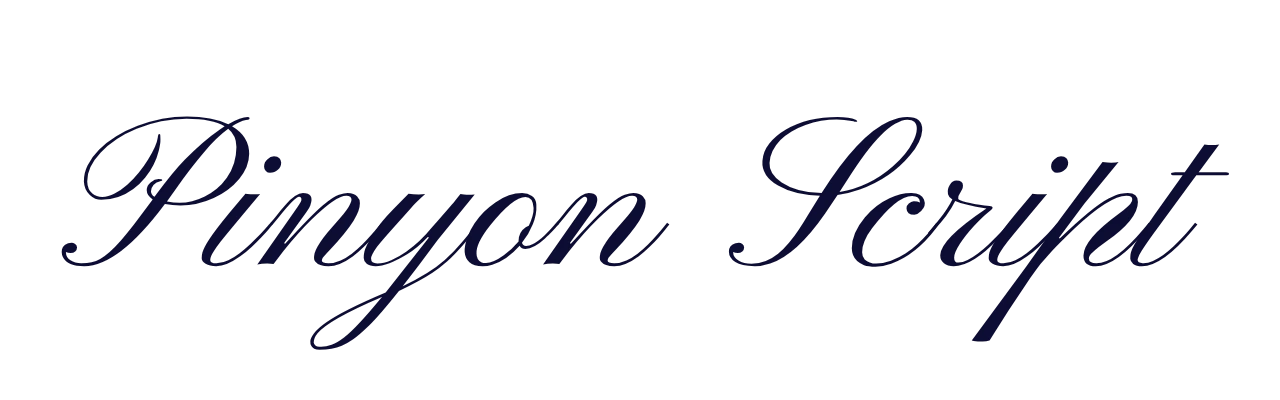
Ornate, traditional script with formal flourishes.
Best for: Certificates, formal events.
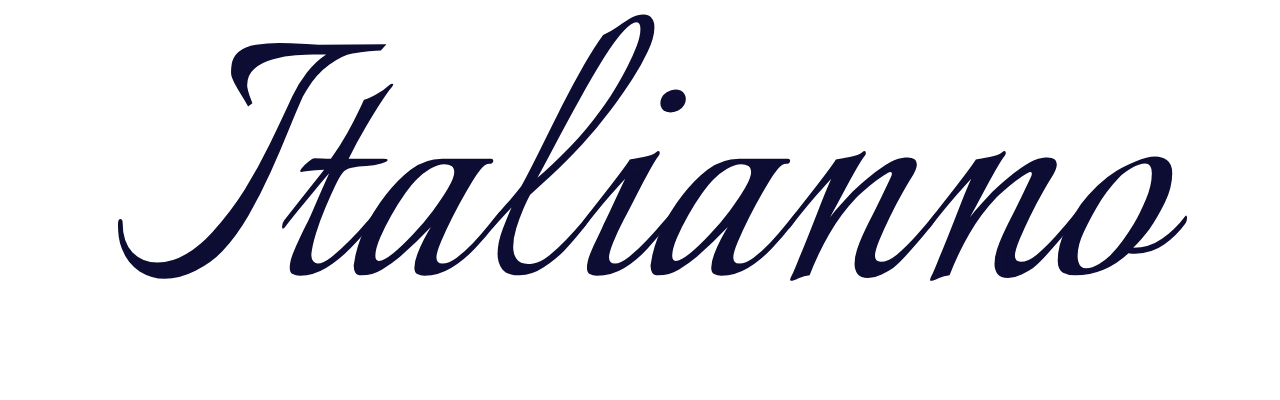
Slim, flowing letters with a calligraphic touch.
Best for: Names, tattoo mock-ups.
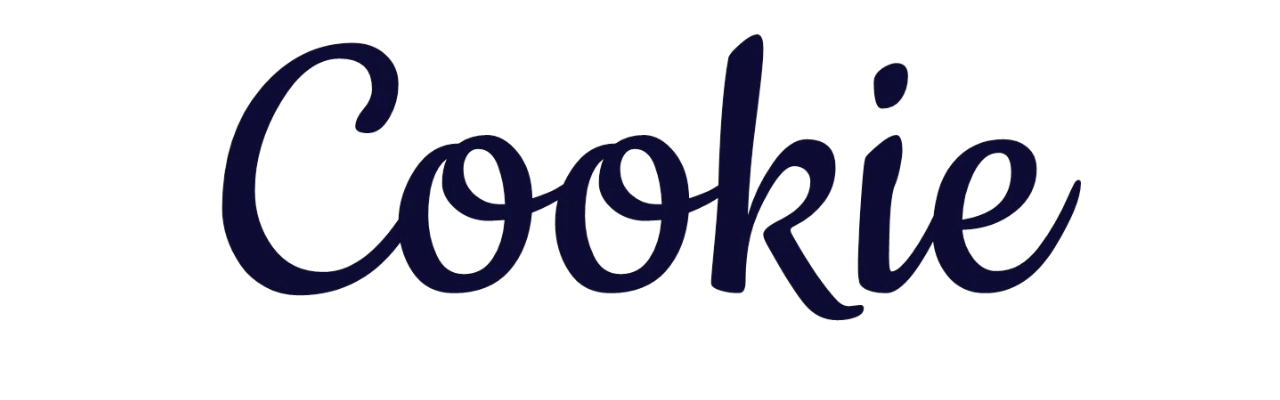
Soft, rounded lettering with a playful vintage feel.
Best for: Bakery branding, cards, gift tags.

Bold, connected script with an energetic appearance.
Best for: Team designs, jerseys.
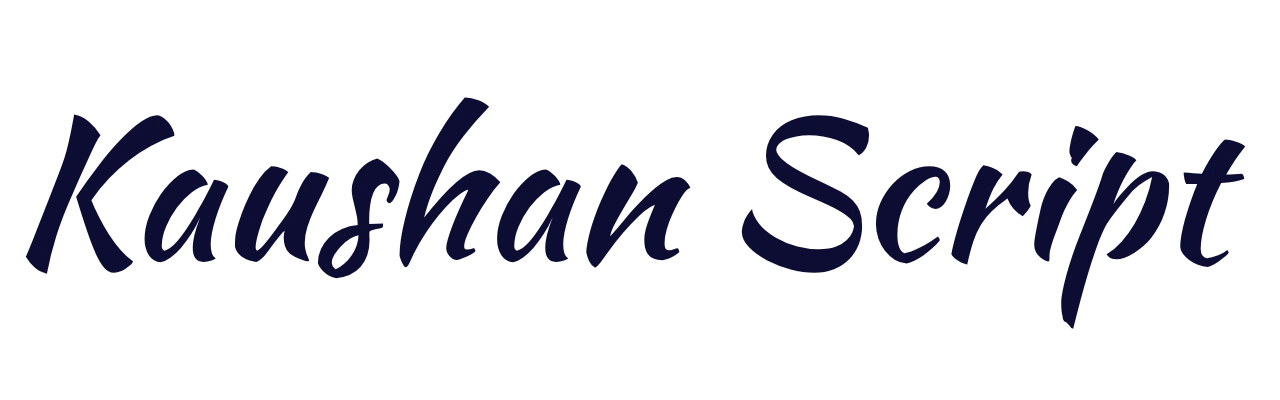
Energetic brush lettering with a hand-painted look.
Best for: Posters, headlines, creative branding.
Are these cursive fonts free for commercial use?
The fonts listed on this page come from Google Fonts and are published under open licenses, mostly the SIL Open Font License, which generally allow commercial use, including logos and products. Many fonts on other download sites are free for personal use only, so always read the license before using a font for a business project. Any image you create here carries the license terms of the font inside it.
Create Beautiful Cursive Text
Explore cursive lettering for names, invitations, designs, and other creative projects.
How to Choose a Cursive Font
The right cursive font depends on where it will appear. Consider readability, style, and the purpose of your design before choosing a typeface.
Logos & Branding
Choose clear letter shapes that remain readable at small sizes. Test your design at around 32 px before using it.
Weddings & Formal Events
Traditional flowing scripts add elegance to invitations, certificates, place cards, and special occasions.
Signature Styles
Look for natural strokes and flowing letter connections for a handwritten signature appearance.
Social Posts & Headers
Use friendly, readable lettering for short headlines, social graphics, banners, and creative content.
Tips for Better Cursive Typography
- ✓ Use one cursive font per design and pair it with a simple serif or sans-serif font.
- ✓ Avoid all capitals in connected scripts because they can be harder to read.
- ✓ Reserve cursive lettering for names, headings, and short lines.
- ✓ Check readability at the actual size where your design will appear.
Cursive Fonts for Tattoos
Cursive fonts are a popular choice for name and quote tattoos. Preview your exact wording before discussing the design with your tattoo artist.
Fonts to try: Italianno, Pinyon Script, and Great Vibes offer graceful lettering styles.
Download a PNG preview and take it to your artist as a reference, not a final stencil. Ask how fine lines and tight loops will hold up at your chosen tattoo size. Very thin strokes may blur together over time.
How to Use Cursive Fonts in
Word, Google Docs, Canva, and on your website
Microsoft Word
Word includes script fonts such as Brush Script MT, Segoe Script, and Lucida Handwriting. Which ones you see depends on your version and operating system. To use a font from this page, download it, install it on your computer, restart Word, and pick it from the font list.
Google Docs
Open the font menu, choose More fonts, and search for “script” or “handwriting”. Many of the fonts above, including Dancing Script, Pacifico, and Great Vibes, are available there.
Canva
Canva has its own script fonts built in. Uploading your own font files is limited to certain paid plans, so check Canva’s current rules. If you cannot upload fonts, download your design as a PNG from this page and place it as an image.
Your website
To use a Google Font on a webpage, add the link and CSS below (replace Great Vibes with your desired font):
<link href="https://fonts.googleapis.com/css2?family=Great+Vibes&display=swap" rel="stylesheet">

<style>
  .script-heading {
    font-family: 'Great Vibes', cursive;
  }
</style>